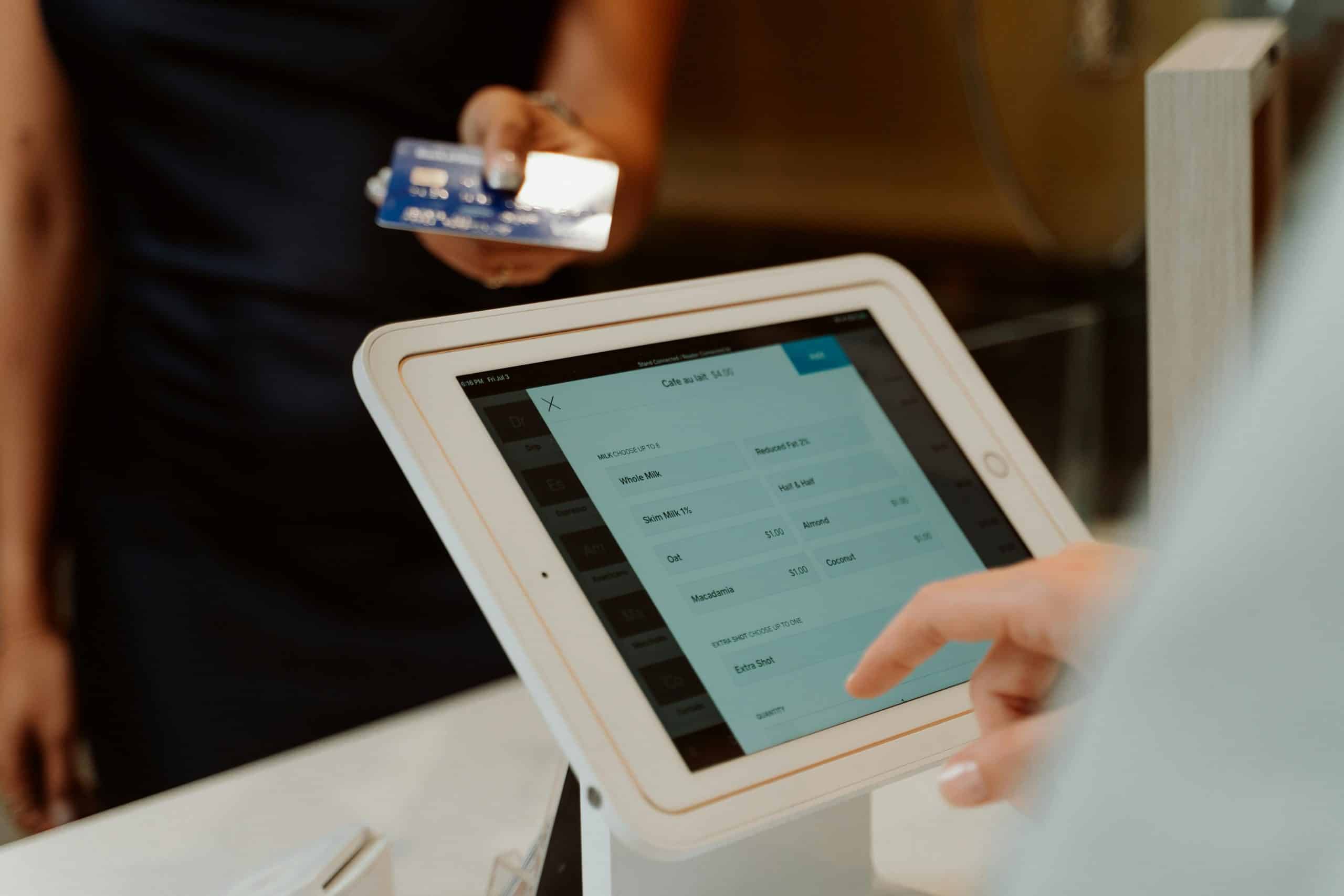
What Is a Virtual Terminal?
What is a virtual terminal? A virtual terminal is a browser-based interface that allows merchants to manually enter and process card payments without a physical card reader — accepting payments by phone, mail, or fax order from any internet-connected device. Virtual terminal payment processing classifies every transaction as card-not-present, which carries slightly higher interchange rates than in-person transactions. Learn more about interchange fee structures from the Federal Reserve.
How an Online Virtual Terminal Works
The merchant logs into a secure web portal — the online virtual terminal — enters the customer’s card details manually, and submits the transaction. The portal connects to a payment gateway which routes the transaction to the card network for authorization and settlement — the same process as any other card transaction, just initiated through manual entry rather than a card reader.
Most virtual terminals also support storing customer card data on file for repeat billing, generating receipts automatically, and exporting transaction reports. Some include basic invoicing tools that allow merchants to send a payment link rather than collecting card details over the phone — reducing PCI compliance exposure since the customer enters their own card data.
Common Use Cases for Virtual Terminal Payment Processing
Phone orders, mail orders, bill-by-phone workflows, and back-office payment entry where the card is not physically present.
Law firms, healthcare practices, and service businesses billing clients after work is completed or collecting copays remotely.
Trade shows, off-site appointments without card hardware, or backup processing when primary hardware is unavailable.
Card-on-file storage for repeat billing, retainer payments, and subscription charges without requiring the customer to re-enter card details each time.
Virtual Terminal vs Payment Gateway
A payment gateway is the underlying technology that routes card transactions between your system and the processor. A browser-based virtual terminal is built on top of a gateway — it gives you a screen to manually enter card details without needing to write code or integrate software. Most merchant accounts include access to both.
The underlying routing layer that connects your system to card networks. Requires code integration or software. Carries its own monthly and per-transaction fee.
A browser-based UI built on top of the gateway. No integration required — just log in and key in card details. Included with most merchant accounts at no added cost.
Under interchange-plus pricing, both the gateway fee and the card-not-present interchange rate appear as separate line items on your statement, giving you full visibility into what each component costs.
Cost of Keyed In Credit Card Payments
Keyed in credit card payments carry higher interchange rates than in-person swipe or tap transactions because the card is not physically verified at the time of payment. Card-not-present interchange rates typically run 0.3–0.5% higher than card-present rates on the same card type.
Square charges 3.5% + $0.15 for keyed entries. Stripe charges 3.4% + $0.30. Under interchange-plus, you pay the actual card-not-present rate plus a fixed markup — both visible on your statement. Most phone-order businesses overpay significantly by defaulting to flat-rate payfac pricing.
The Do I Need a Merchant Account post covers how dedicated merchant accounts differ from payfac pricing on keyed transactions. The CFPB also provides guidance on card payment costs and consumer protections.
PCI Compliance and Virtual Terminals
Because card details are entered manually, virtual terminal payment processing carries specific PCI DSS compliance requirements. Merchants must ensure the device used to access the terminal is secure, that card data is never stored insecurely, and that access is restricted to authorized staff.
Most processors provide SAQ C-VT as the relevant self-assessment questionnaire for virtual terminal-only merchants — a simpler compliance path than full PCI audits required for integrated systems.
One way to reduce compliance exposure is to use payment link features when available — sending the customer a secure link to enter their own card data eliminates the merchant’s handling of card details entirely. Chargebacks are also more common on card-not-present transactions; see how chargeback disputes work for merchants who process by phone.
When to Use a Virtual Terminal
The tool is best suited for businesses that regularly take orders by phone, process mail-in payments, or need a reliable backup when hardware is unavailable. For businesses where remote payments are a primary channel, evaluating a full e-commerce payment processing setup may provide better workflow integration and lower card-not-present rates through optimized checkout flows.
For occasional use — a phone order here and there, or backup processing during a hardware issue — the interface included with your merchant account is the simplest solution with no additional cost or setup required.
Frequently Asked Questions
It is used to process card payments manually by phone, mail, or fax order — without a physical card reader. Common users include service businesses, healthcare practices, law firms, and any merchant who regularly bills clients remotely or takes phone orders.
No. A payment gateway is the underlying technology that routes card transactions between your system and the card networks. The browser-based interface is built on top of a gateway — it gives you a screen to enter card details manually without any hardware or coding required.
Manually keyed transactions are classified as card-not-present, which carry interchange rates 0.3–0.5% higher than in-person swipe or tap transactions. Under interchange-plus pricing, this cost difference is visible as a separate line item on your statement.
Most Phone-Order Merchants Are Overpaying on Every Keyed Transaction
A free cost analysis shows your actual interchange cost versus what you are being charged on keyed transactions — with no obligation to switch anything.
Get Your Free Statement ReviewNo obligation • No pressure • Response within one business day
See what a statement review looks like →