Your Phone Can Now Be the Card Reader: No Hardware Required
Your Phone Can Now Be the Card Reader: No Hardware Required
For most of the history of card acceptance, taking a payment in person meant owning a piece of hardware: a countertop terminal, a wireless reader, a dongle plugged into a tablet. That assumption is no longer true. With tap to pay, a standard iPhone or Android phone can accept a contactless card or a digital wallet directly — no separate reader, no terminal lease, nothing to plug in.
This is not a future technology. The phone in your pocket already has the hardware that makes it work, and the only thing standing between you and accepting a payment on it is the right app connected to your merchant account. For a lot of small and mobile businesses, that changes the math on whether you need to buy a terminal at all.
Here is how it actually works, where it fits, where it does not, and what to check before you rely on it.
The Phone Reads the Tap the Same Way a Terminal Does
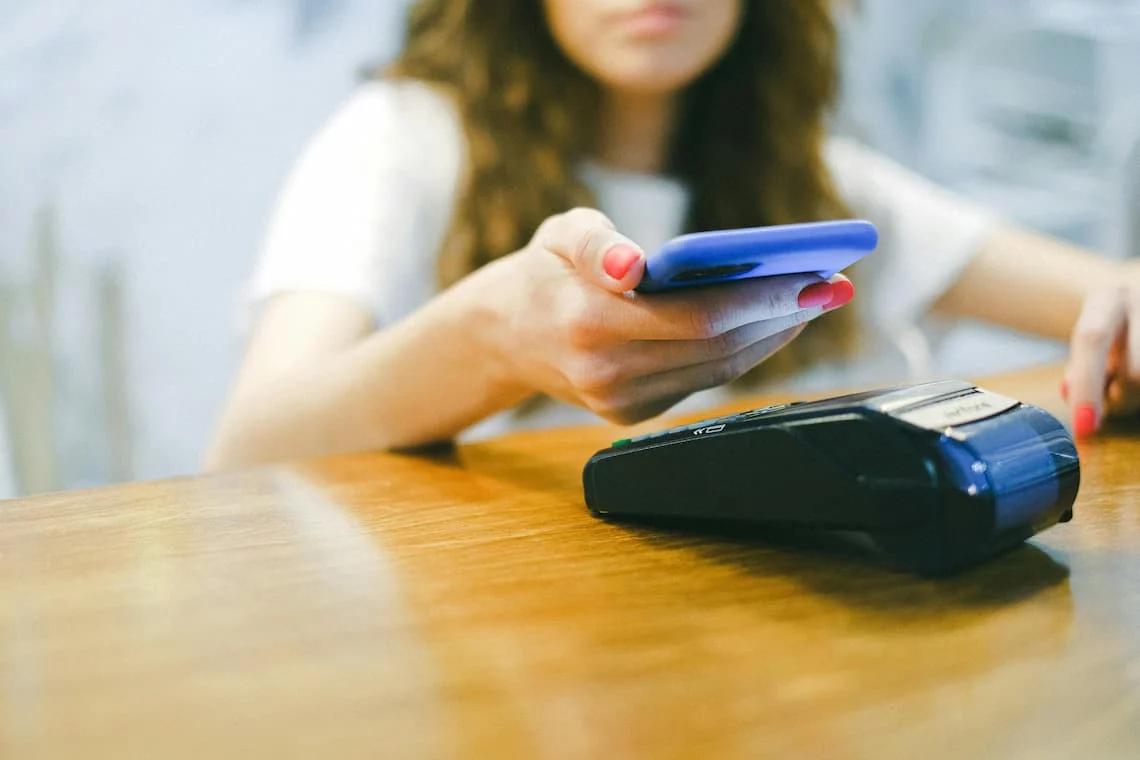
Modern smartphones contain an NFC chip — the same short-range wireless technology that lets a contactless card or a phone wallet communicate with a payment terminal. Tap to pay simply uses that chip on the merchant’s side instead of the customer’s. You open a supported payment app, enter the amount, and the customer holds their contactless card, phone, or watch against the back of your device. The sale completes in a couple of seconds.
Apple calls its version Tap to Pay on iPhone; Android has its own equivalent. The underlying category is sometimes labeled SoftPOS, for “software point of sale” — the idea being that software turns a general-purpose device into a payment terminal. Whatever the name, the customer experience is identical to tapping at any modern checkout, and the security model is the same encrypted, tokenized handling that protects a contactless tap on a dedicated terminal. And it is no longer just for small tickets: when a larger sale needs a PIN, the customer now enters it directly on the merchant’s iPhone screen, so higher-value transactions that once required a separate keypad complete on the phone alone.
This only matters because customers actually pay this way now. Mastercard reported that contactless made up roughly three-quarters of in-person transactions on its network in 2025, and the majority of US cards are now contactless-enabled. Accepting taps is no longer an extra — for many customers it is the default.
A Compatible Phone and a Processor That Supports It
There are only two real requirements. The first is a reasonably recent phone with NFC, which covers most iPhones and Android devices in active use. The second is the part that trips people up: your payment provider has to support the feature, because the app reading the tap connects through a processor that is certified for it. You cannot simply download any app — the acceptance runs through your merchant account, not around it.
That last point is worth sitting with, because it is also the reassuring part. This is not a separate payment company you sign up with on the side. It is an acceptance method that sits on top of the merchant account you already have, assuming your provider offers it. Your funding, your statements, and your rates work the way they already do; you are just adding a new way to take the card.
No terminal to buy, no reader to lease, no hardware to wait on before you can take your first payment. For a business that does not need a countertop setup, that removes the single most common upfront cost and the recurring equipment fees that come with it.
Mobile, Field, and Pop-Up Businesses Gain the Most
Tap to pay shines anywhere the payment happens away from a fixed counter. A mobile service provider taking payment at the customer’s door. A vendor at a market or a pop-up with no room for a register. A delivery driver, a field technician, a stylist who travels, a contractor closing out a job on site. In all of these, the alternative was either carrying extra hardware or keying the card in by hand later — and keyed transactions cost more and carry more fraud risk than a contactless tap.
It also works as a second register during a rush, or as a way for staff to check customers out on the floor instead of forming a line at one terminal. The flexibility is the point: anywhere you can carry a phone, you can take a payment. On the newest iPhones that now holds even with no signal: an offline “store and forward” mode lets you accept a tap where there is no connection and settles it automatically once the phone is back online — exactly the situation a doorstep or field sale runs into.
It Is Not a Replacement for Every Setup
Tap to pay is a strong tool, not a universal one, and being honest about its limits is how you decide whether it fits. A high-volume countertop business — a busy cafe, a retail shop with a steady line — will usually still want a dedicated terminal or full point-of-sale system, both for speed and because tying up a staff phone at the register is impractical. It also accepts contactless only: a customer with an older chip-only card that has no tap function cannot be served by it alone, so it rarely stands entirely on its own.
And it accepts taps, not swipes or dips. That is a feature, not a flaw — but it means the method pairs naturally with the broader push away from the magnetic stripe. If you have been dealing with chip-read problems and the new fees that come with swiped chip cards, a contactless-first acceptance method sidesteps that entire category of trouble.
The right question is not “is this good” but “does my business take payments in a way this serves well.” For mobile and low-counter operations, often yes. For high-throughput fixed retail, usually as a supplement rather than the whole answer.
Three Things to Confirm First
If the fit looks right, a short checklist keeps you from being caught out. None of these is hard to verify, but each one has tripped up a merchant who assumed and skipped ahead.
Start with the device. Confirm the specific phone you intend to use is on the supported list for the app you will run — “most recent phones” is true in general but not a substitute for checking your model and operating-system version. Next, confirm your processor actually offers the feature on your account; the acceptance method runs through your merchant account, so a provider that does not support it leaves you without a path, and that is the moment to find out, not at the counter. Finally, plan for the customer who cannot tap. An older chip-only card with no contactless function will not work, so keep a fallback for those sales — whether that is a backup reader, a keyed option, or simply knowing how often it actually comes up in your business.
When the device, the app, and the processor support all match, going live is usually a same-day affair: download, accept the terms, and start taking payments. The delay, when there is one, is almost always the processor-support question — which is exactly why it is worth confirming before you count on it.
Frequently Asked Questions
No. It uses the NFC chip already built into most recent iPhones and Android phones. You need a compatible device, a supported payment app, and a processor that offers the feature — no reader, dongle, or terminal to buy.
Yes. It uses the same encrypted, tokenized handling as a contactless tap on a dedicated terminal. The card number is not stored on the phone, and transactions process through your merchant account under standard card-network security and PCI requirements.
For mobile, field, and pop-up businesses, often yes. For high-volume fixed retail, it usually works best as a supplement — a second register or floor-checkout option — rather than a full replacement, since it accepts only contactless and ties up a phone.
Tell Us How You Take Payments. We’ll Tell You If Tap to Pay Is Enough.
Before you buy a terminal or sign an equipment lease, it’s worth knowing whether your phone can do the job instead. Tell Brookside how and where you take payments and we’ll tell you honestly whether tap to pay fits your business, where it falls short, and whether your current processor even supports it. No hardware pitch — just the right setup for how you actually work. Learn more about payment processing consumer protections from the CFPB.
Find Out If Tap to Pay Fits Your BusinessNo obligation • No pressure • Response within one business day
See what a statement review looks like →