How to Accept Apple Pay and Digital Wallets
What It Actually Takes to Accept Apple Pay and Google Pay
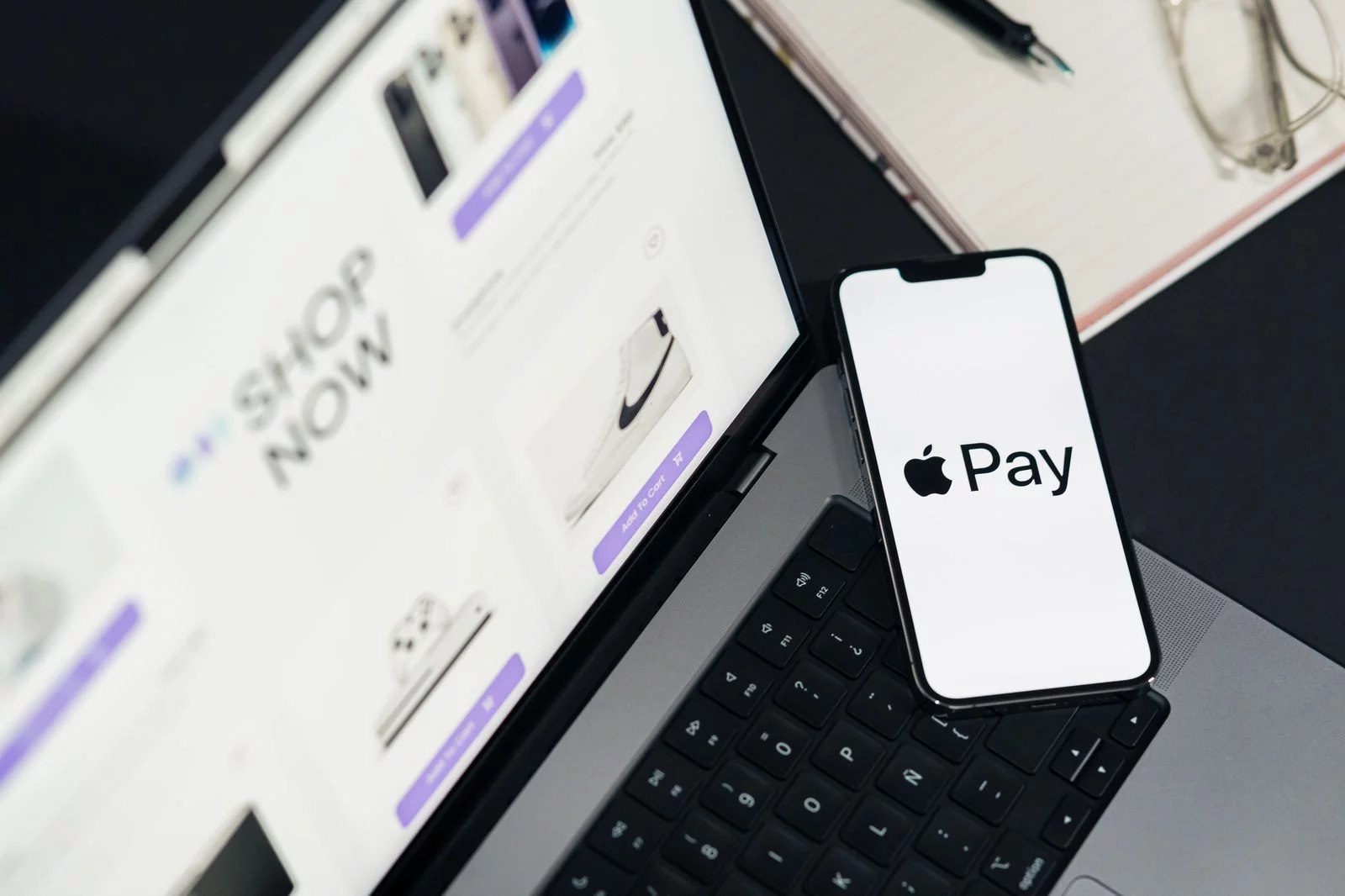
To accept digital wallets like Apple Pay and Google Pay, most merchants need far less than they expect — and they pay nothing extra to do it. A mobile wallet is not a separate payment network you have to sign up for. It is a tokenized copy of a card the customer already carries, loaded onto a phone or watch and handed to your reader the same way a contactless card would be.
That single fact decides most of what follows. If your terminal already takes a contactless tap from a Visa or Mastercard, it almost certainly already takes Apple Pay and Google Pay too — the payment travels the same rails, clears through the same processor, and lands in the same account. The work, when there is any, is mostly online. Below is the honest version of what it costs, what equipment you need, and whether it is worth turning on.
The questions worth answering are practical: what equipment you need, what it costs, and what it takes to turn the option on in each place a customer might pay. The short version is that enabling it in person is nearly free and nearly automatic, while doing the same online takes a single verification step — and neither one changes the rate you pay.
What Does It Cost to Accept Digital Wallets?
Nothing extra. Apple Pay and Google Pay are tokenized versions of a card the customer already carries, so accepting a digital wallet costs exactly what accepting that card costs — the card’s interchange plus your processor’s markup. There is no separate digital wallet fee, no per-brand surcharge, and no added monthly charge.
If anything, a wallet tap is often slightly cheaper than the same card keyed in or entered online, because it clears as a secure, card-present, low-fraud transaction. Your effective rate is set by your processing pricing, not by the wallet.
| How the wallet is used | What it costs |
|---|---|
| Apple Pay / Google Pay tap in store | Same as a contactless card — card-present rate |
| Wallet in an app or online checkout | Same as that card online — card-not-present rate |
| A separate “digital wallet” fee | None |
It Runs on the Contactless Reader You Probably Already Have
In a physical store, taking a phone payment requires one thing: an NFC-enabled terminal — the kind that already reads a contactless card tap. If your reader does contactless Visa and Mastercard, it handles Apple Pay and Google Pay automatically. You do not need a separate merchant account, a separate contract, or separate hardware for each brand. The same reader that takes a tap from a card takes a tap from a phone or a smartwatch; from your side of the counter the transaction looks identical, and it settles into the same batch.
There is a quiet upside at the counter, too. Because the customer authenticates the payment on their own device with Face ID, Touch ID, or a fingerprint, the transaction counts as strongly authenticated — which lets a phone tap clear amounts that would make a plain plastic contactless tap stop and ask for a PIN. Faster line, fewer fumbled cards.
When a customer pays this way, the phone sends a token — a device-specific stand-in number — instead of the real 16-digit card number. You never see or store the actual card. If your system were ever breached, the attacker would get a useless token, not a card.
A Few More Steps to Accept Digital Wallets on Your Website
Online is where the small setup lives. To take these payments at an online checkout, you add the wallet button — the “Buy with Apple Pay” or Google Pay button — to your payment page, and that requires a payment processor or gateway that supports it. Most modern gateways do; some older ones do not.
For Apple Pay on the web, you register a merchant identifier with Apple and verify the domain you collect payments on; Google Pay uses a comparable API registration. In practice your processor walks you through both, and once the domain is verified the button simply appears at checkout. The customer taps, authenticates on their device, and the order clears — no card number typed, no account created on your site.
The same logic applies inside a mobile app: how to accept Apple Pay in-app comes down to your developer dropping in Apple’s payment sheet and your processor settling the result. If your store runs on a mainstream e-commerce platform, support is often a setting you switch on rather than something you build.
Not every checkout supports these buttons, and Apple Pay on the web will not work until your domain is verified. Confirm your gateway handles it before you promise customers a one-tap checkout — this is the one place the “it just works” rule breaks down.
The Same Rate You Already Pay, Nothing Extra
This is the part owners most often get wrong: there is no extra wallet surcharge. When you turn these on you pay your ordinary card-processing rate and not a cent more. Apple does charge a fee of roughly 0.15% on credit transactions — but it bills the card-issuing bank, not you, and it is invisible on your statement. Google Pay charges merchants nothing at all.
The payment simply rides the same interchange as the underlying card. An in-person tap is a card-present transaction, so it earns card-present rates — cheaper than a keyed-in number. Whatever a customer’s Visa costs you today, that customer’s Visa loaded into Apple Pay costs you the same. The one nuance is online: the same tap at an e-commerce checkout is still a card-not-present transaction and is priced like one, so the clearest savings versus a typed-in number show up at the physical counter.
Because every such payment is tokenized and biometrically authenticated, disputes fall hard — industry figures put these chargebacks roughly 75% below ordinary card payments, and fraud liability often shifts away from you. A tap you barely notice is also a tap that rarely comes back as a chargeback.
Should You Turn It On? Almost Certainly.
Apple Pay alone accounts for the large majority of U.S. mobile-wallet use, with Google Pay and Samsung Pay splitting most of the rest. Because there is no extra cost and no separate setup per brand, the practical answer to how to accept Apple Pay and its rivals is to take all of them at once. These shoppers also tend to spend more and check out faster. In person the cost to enable is essentially zero, the security is better than plastic, and customers increasingly expect the choice — so there is very little argument against switching it on at the counter.
One caution keeps the decision honest. A tap is only as cheap as the rate sitting underneath it. If you are on a padded tiered plan, that markup rides along on every Apple Pay and Google Pay transaction exactly as it does on a swipe — the phone changes the convenience, not the spread. Turning the feature on is the easy win; knowing your true effective rate is the one that moves money. A processor that quietly pads that rate does it on every transaction, phone or card alike, which is why the cheapest thing you can do for your margin is read the statement rather than admire the logo at the register.
Taking a phone payment does not fix a bad processing rate. The markup is baked into the underlying card cost — tap or no tap — so a one-tap checkout on an overpriced plan is just a faster way to overpay.
Frequently Asked Questions
No. You pay your standard card-processing rate. Apple’s roughly 0.15% fee is charged to the card-issuing bank, not to the merchant, and Google Pay is free to take. It costs you the same as the card behind it.
Any NFC-enabled, contactless-capable reader works. If your terminal already takes a contactless Visa or Mastercard tap, it handles Apple Pay and Google Pay automatically — no extra equipment, account, or contract.
Yes. You need a payment processor or gateway that supports Apple Pay on the web, plus a verified domain; Google Pay uses a similar API. Your processor handles the registration, after which the button appears at checkout.
Generally, yes. Tokenization means you never handle the real card number, and biometric authentication on the customer’s device makes disputes far less likely — which is why their chargeback rates run well below those of ordinary card payments.
Send Us One Statement. We’ll Show You What Each Tap Actually Costs.
Turning on Apple Pay and Google Pay is the easy part. The number that decides whether those taps are cheap or expensive is the spread your processor takes underneath them. Send Brookside one recent statement and we’ll pull apart your effective rate, tap by tap, and tell you exactly where the markup is hiding. The math takes us about fifteen minutes. Learn more about payment processing consumer protections from the CFPB.
Send Your Statement for a Free ReviewNo obligation • No pressure • Response within one business day
See what a statement review looks like →