Electronic Bill Presentment: How Tax Offices Collect Online
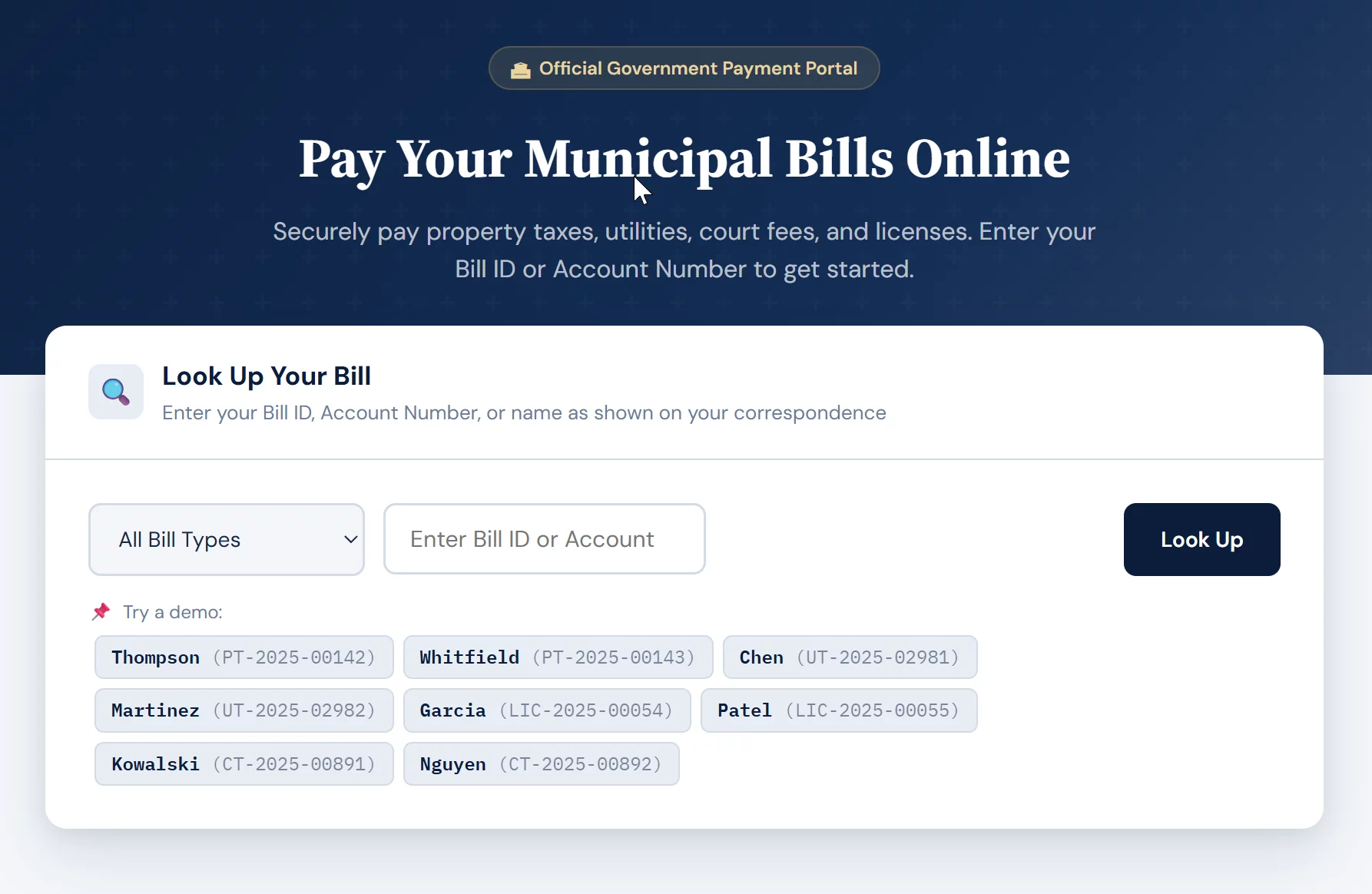
The Model Most Tax and Utility Offices Already Run On
Electronic bill presentment is how the majority of county tax offices, municipalities, and utility districts collect payments online today — and most of the people running those offices have never been told what the model is actually doing under the hood. The vendor demo shows the citizen-facing portal: the parcel lookup, the receipt screen, the logo in the corner. What it rarely explains is how the bill got into that portal and how the payment gets back into your tax system.
Bill presentment presents the full, accurate amount of the bill to your citizen, so your citizen pays what is owed. As long as the full amount of the bill is known beforehand, an EBPP can be helpful to ensure full awareness and an accurate amount paid. And with the convenience-fee model, you are assured to get 100% of your fee deposited to your account within 1-2 business days — whether a tax, utility, or court bill.
The term itself bundles two jobs. Presentment is delivering the bill electronically so the taxpayer can see what they owe. Payment is collecting the money. An electronic bill presentment and payment platform — EBPP for short — does both inside one hosted interface, instead of mailing a paper bill and hoping the check arrives.
This post is the mechanics of that presentment model: how the bill moves, how the money comes back, where it fits a real estate tax office well, and where it quietly breaks. It is not the place to settle whether your office should use presentment at all versus a live integration — that decision belongs in the real estate tax payments overview, which weighs presentment against an API approach. Here we are looking strictly at how presentment works once you have chosen it.
How a Bill Travels Through an EBPP Platform
Strip away the branding and almost every electronic bill presentment setup runs the same five-step loop:
One — your office exports its bill file. The tax or billing system produces a file of what is owed: parcel or account number, owner name, amount due, due date. That file is the snapshot the portal will show.
Two — the vendor loads it into a hosted portal. The file is uploaded into the vendor’s system and indexed so a taxpayer can search by parcel number, address, or account and pull up their bill.
Three — the taxpayer looks up the bill and pays. They find their record, choose a payment method — card or bank debit — and pay, usually with a convenience fee added on top.
Four — the vendor sends back a settlement and reconciliation file. On a batch cycle, typically nightly, the vendor returns a file listing which accounts paid, how much, and through which method. This is almost always a download or an SFTP drop, not a live message into your system.
Five — your office imports and reconciles. Someone loads that file back into the tax system, marks the accounts paid, and reconciles the deposit against the bank and the general ledger.
The balance a taxpayer sees in the portal is a copy of your export, frozen at the moment the file was generated. It is not a live window into your tax system. Everything that makes presentment simple — and everything that makes it occasionally fail — comes from that one fact.
Biller-Direct vs. Consolidator Presentment
Electronic bill presentment shows up in two arrangements, and it helps to know which one a vendor is selling you — a distinction at the root of many Xpress Bill Pay complaints.
In the biller-direct model, the portal is yours — branded to your office, reached from your website, showing only your bills. The taxpayer comes to you to pay. This is the standard for tax collectors and treasurers, because residents expect to pay the county on the county’s own site.
In the consolidator model, your bill is presented inside a larger aggregator — often a bank’s online bill-pay or a third-party hub that carries many billers at once. The taxpayer pays from a place they already use, but you have less control over the experience and the data flow runs through the aggregator.
For real estate tax collection, biller-direct is almost always the right fit. The point of this distinction is simply that “EBPP” is not one product — when a vendor says they do bill presentment, ask which model, because the reconciliation and branding implications are different.
Where Presentment Fits — and Where It Doesn’t
The presentment model earns its place in a specific set of conditions, and it strains in others. Being clear-eyed about both is what separates a clean rollout from a tax season full of counter complaints.
- Fixed, periodic bills — a real estate tax amount that is set for the cycle and does not change day to day is a near-perfect match for a snapshot file.
- Low lift to stand up — no deep integration into your tax system is required, so a small office can go live quickly.
- The vendor carries most of the payment-security burden, because card data lives in their hosted environment, not yours.
Because the portal shows a snapshot, anything that changes the real balance between exports is invisible to the taxpayer. Delinquency penalties and interest that accrue daily will lag the portal. A payment made through another channel will not clear the portal balance until the next refresh. And the most damaging version of this — a payment that is collected but does not post back to your system until the next batch — leaves the taxpayer reading “delinquent” even though they paid, which is the single most common complaint in this entire space.
Mortgage-escrow companies pay thousands of parcels at once on behalf of homeowners. A presentment portal built for one-parcel-at-a-time lookups handles these bulk remittances badly unless the vendor supports a dedicated escrow file. If yours does not, your staff ends up keying or matching those payments by hand at the worst possible time of year.
Reconciliation Is the Real Workload
The citizen-facing portal is the easy half. The work that actually lands on your office is reconciliation — turning the vendor’s nightly settlement file into accurate, paid-up records in your tax system and a deposit that matches at the general ledger.
Three things drive how heavy that work gets. The batch cadence sets how stale your records run between imports — a nightly file means up to a full day of payments sitting unposted. Exception handling is the labor nobody quotes: returned bank debits, card chargebacks, partial payments, and duplicate attempts all have to be found and corrected against the tax roll. And convenience-fee accounting has to be clean, because the fee a taxpayer pays usually is not revenue to your office and cannot be commingled with the tax deposit.
The single most useful thing you can do before signing is to ask a vendor exactly what the settlement file contains, how often it is delivered, and whether it imports into your specific tax or ERP system without manual rekeying. If the answer is vague, your staff becomes the integration layer — and that cost never appears in the demo.
If real-time posting and a live balance matter more to your office than a fast, low-lift rollout, presentment is not the model to stretch — that is the case for a live integration, which we cover in the companion piece on a government payment setup built around an API. Presentment is the right tool when the bill is fixed, the volume is manageable, and a one-day reconciliation lag is acceptable.
- Fixed amount — the bill amount is locked, so the citizen pays exactly what is presented.
- Flex amount option — the bill amount is editable, for cases where the payer enters or adjusts the figure.
- Payment plan / installment option — the bill can be split into separate amounts, configured to your office’s specifications.
- Not sure which mode fits your office? Call (833) 382-1992 or email hello@brooksidepayments.com.
Frequently Asked Questions
Not quite. Presentment is the part that delivers the bill so the taxpayer can see it; the payment portal is the part that collects the money. EBPP refers to a platform that does both in one place. A bare payment page that takes a dollar amount with no bill behind it is collecting payment without presenting a bill.
No. The portal shows the balance from your last export, not a live figure. Penalties, interest, and payments made elsewhere will not appear until the next file refresh. If a live balance and instant posting are requirements, you need a direct integration rather than presentment.
In a hosted presentment model, the vendor carries most of it, because card data is entered and stored in their environment rather than yours. Your office stays low-scope only as long as card numbers never touch your own systems — a condition worth confirming in writing, and one that matters even more when you move toward an integrated setup.
Tell Us How Your Office Collects Today. We’ll Map the Right Fit.
If you are weighing electronic bill presentment against a live integration, the answer depends on how your tax system works and how payments post today. Send Brookside a short description of your current setup — what system you run, how online payments reach it now, and your batch and reconciliation pain points — and we’ll tell you which of the acceptance models actually fits before any vendor gets involved. The review takes us about twenty minutes. For independent guidance on government collection practices, the Government Finance Officers Association publishes best practices worth reading alongside it.
Map My Collection SetupNo obligation • No pressure • Response within one business day
See what a statement review looks like →